
Adding a New Person
Updated Aug 4, 2026·1 min read
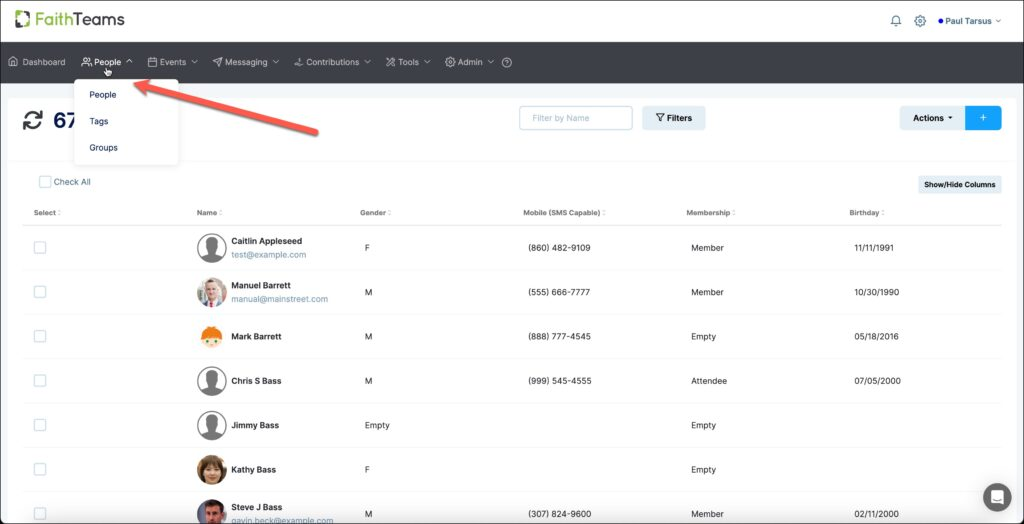
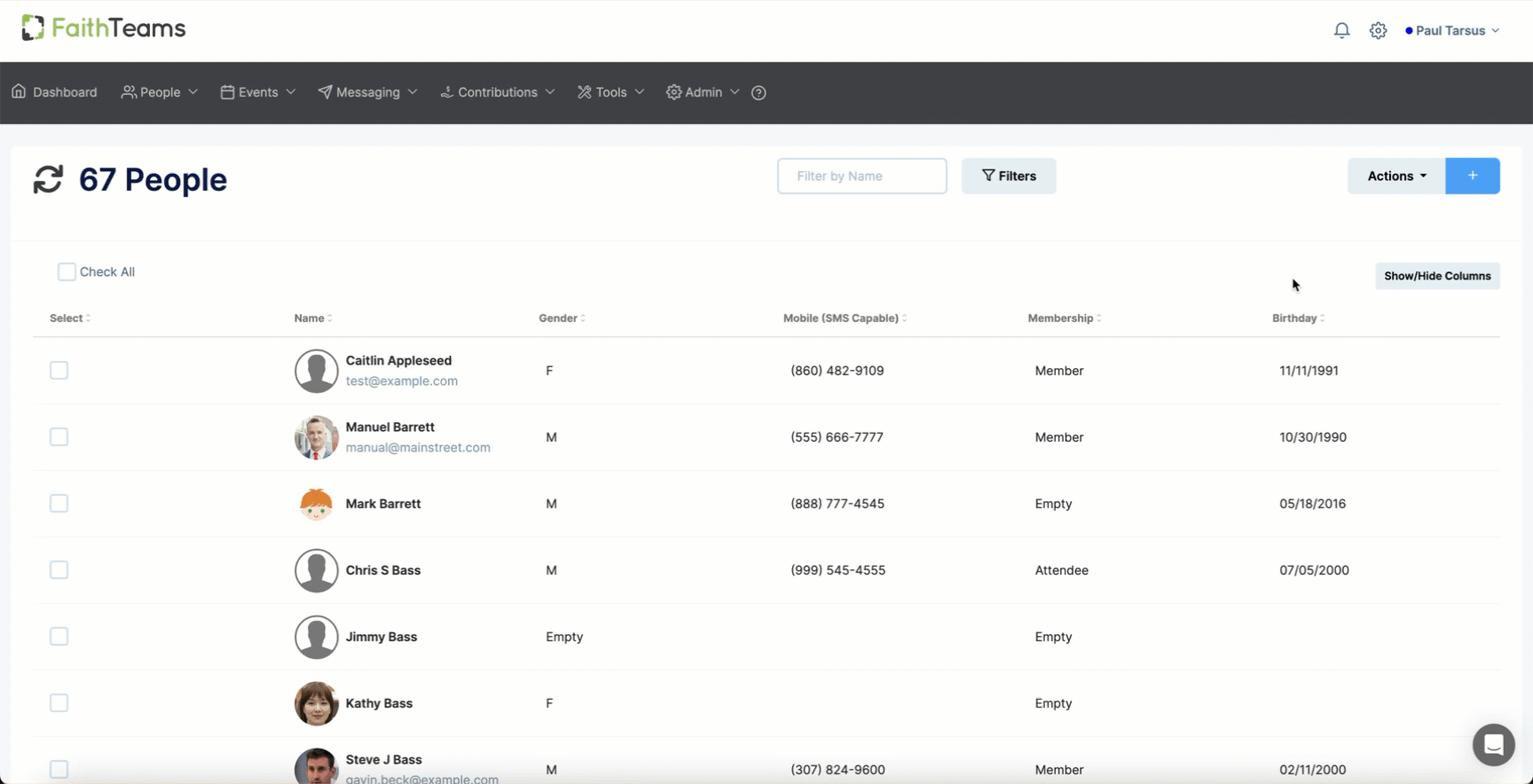
Add a user in Faith Teams is quite easy. Click on the ‘People’ tab in the menu. Click the “Blue Plus” symbol. input the user. Click “Save.”
- Hover your cursor over the ‘People’ tab in the menu and then click on People in the pull down menu.
- Click the “Blue Plus” symbol in the right hand corner of the screen.
-
Input as much information as you want for this person.
-
Click “Save.”
Once you click “Save”, you’ll be able to add more information and details about this person.
Was this article helpful?